Keyboarding is one of those skills every student needs but few classrooms have time to formally teach. Our new Typing Practice tool is built to fit into the cracks of your day — no login, no ads, and grade-appropriate passages from K-2 through 9-12. Here are five practical ways to put it to work.
1. Warm-up during transition time
The first five minutes after the bell, while students settle in, are often wasted. Pull up Typing Practice on the classroom projector or have students log in individually for a quick warm-up before the “real” lesson starts.
2. A genuine reward for early finishers
Instead of “read quietly” for students who finish early, let them build their WPM score. The live stats (words per minute, accuracy) give it a game-like feel without needing an actual game.
3. Pair it with our Study Habits lesson
Our 3 Habits for Better Studying lesson makes the direct connection: faster typing means less time on homework. Assign the Typing Practice tool as the natural follow-up activity after that lesson.
4. A quiet, structured option during indoor recess
On rainy days or restricted-recess situations, Typing Practice gives students something productive and calm to do that doesn’t require setup or supervision beyond a shared device.
5. A no-prep sub plan filler
Because it needs no account and no explanation beyond “pick your grade and start typing,” it’s an easy tool to leave in your sub folder for those unexpected days out.
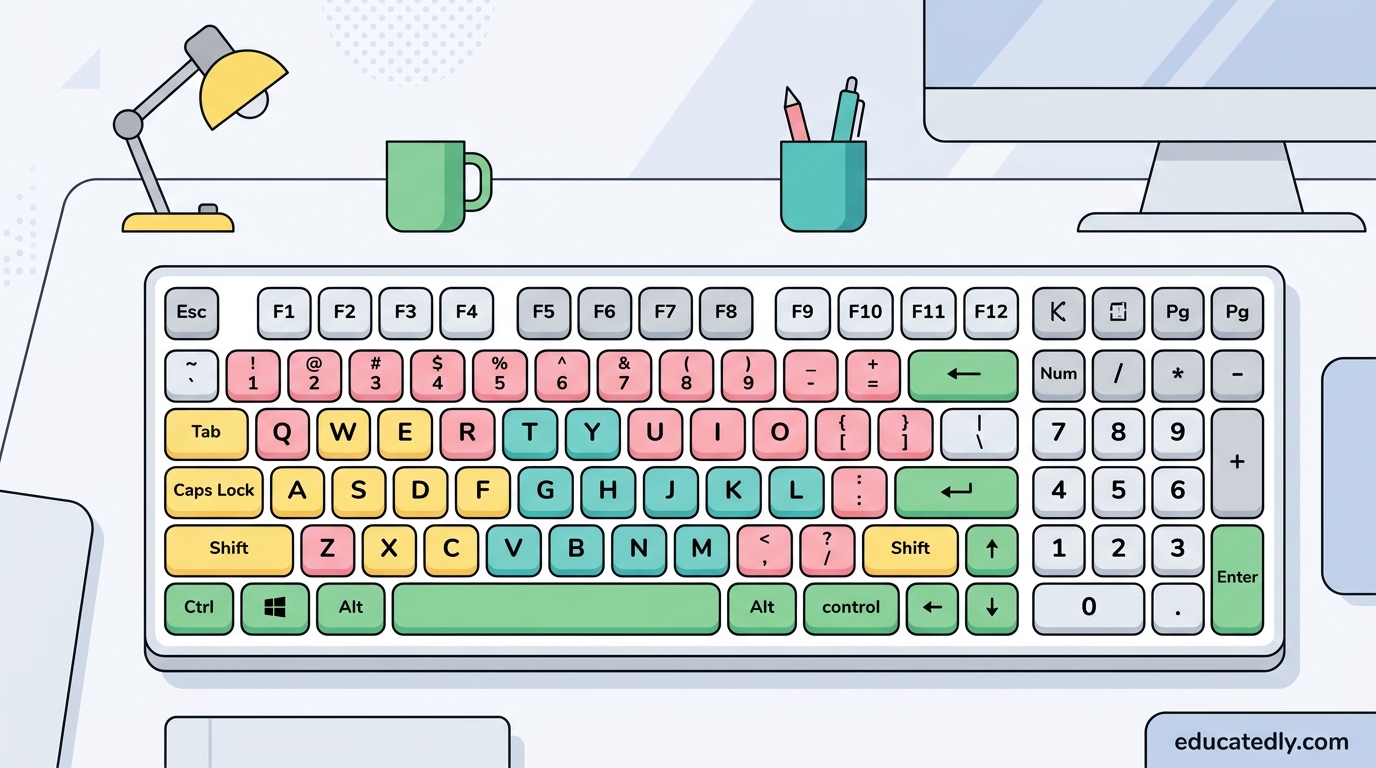
The built-in finger-zone color-coded keyboard shows which finger to use for each key — a small touch that helps students actually learn proper touch-typing technique instead of just hunting and pecking faster.